A lovely essay by Henrik Karlsson on writing, blogging, and the power of the internet.
When writing in public, there is a common idea that you should make it accessible. This is a left over from mass media. Words addressed to a large and diverse set of people need to be simple and clear and free of jargon. […]
That is against our purposes here. A blog post is a search query. You write to find your tribe; you write so they will know what kind of fascinating things they should route to your inbox. If you follow common wisdom, you will cut exactly the things that will help you find these people.
Next on my PHP wishlist are nested properties. This idea is less realistic than others, it’s more me thinking out loud. I don’t have a good syntax proposal for this, and I’m not even sure it’s the best solution for my problem. But it’s the best I’ve come up with so far.
I published an article on the Mailcoach blog explaining the setup around customizable themes for newsletter archives.
I relied on CSS custom properties and HSL colors to allow users to customize their newsletter archives without fiddling with too many options.
Colors are often defined in RGB, but RGB is difficult to transform without custom functions. We ask the user to define the primary color in HSL instead. The benefit of HSL is that it’s easy to control a color by tweaking the parameters.
When event sourcing, the stream of events is your source of truth where all data is derived from. A promise often made in event sourcing pitches is that you can destroy your data and rebuild (replay) it at any time. In my experience, it’s a lot more nuanced than that.
Your app should work in a read-only mode without JavaScript.
Without JavaScript I should still be able to read my email in Gmail, even if you don’t let me compose, reply, or organise my messages.
I like this take on progressive enhancement. JavaScript is the language for interactivity on the web. Reading does not require two-way communication.
Today I was looking for a way to create a custom Laravel validation rule without the overhead of a new class. The rule I needed would only be used in one place, so wanted to keep it close to (or in) the request class.
Upon re-reading the validation docs, I learned that Laravel supports closures as rules.
classJournalEntryRequestextendsRequest{publicfunctionrules():array{return[// …
'lines'=>[function(string$attribute,mixed$value,Closure$fail){$debit=collect($value)->where('type','debit')->sum('amount');$credit=collect($value)->where('type','credit')->sum('amount');if($debit!==$credit){$fail("Debit and credit don't match.");}if($debit!==0){$fail("Amount must be greater than 0.");}},]];}}
Caleb Porzio released this podcast episode earlier this year, but it’s been simmering in my head ever since.
The gist is to take things as far as you can before asking others. Instead of opening an issue, open a PR. Instead of replying “I don’t know”, find out. Before asking a question, write down the problem to make sure you’ve considered evey angle yourself.
Dealing with interactions this way gets things done more effectively, gives you the opportunity to learn something, and turns you into a nice person.
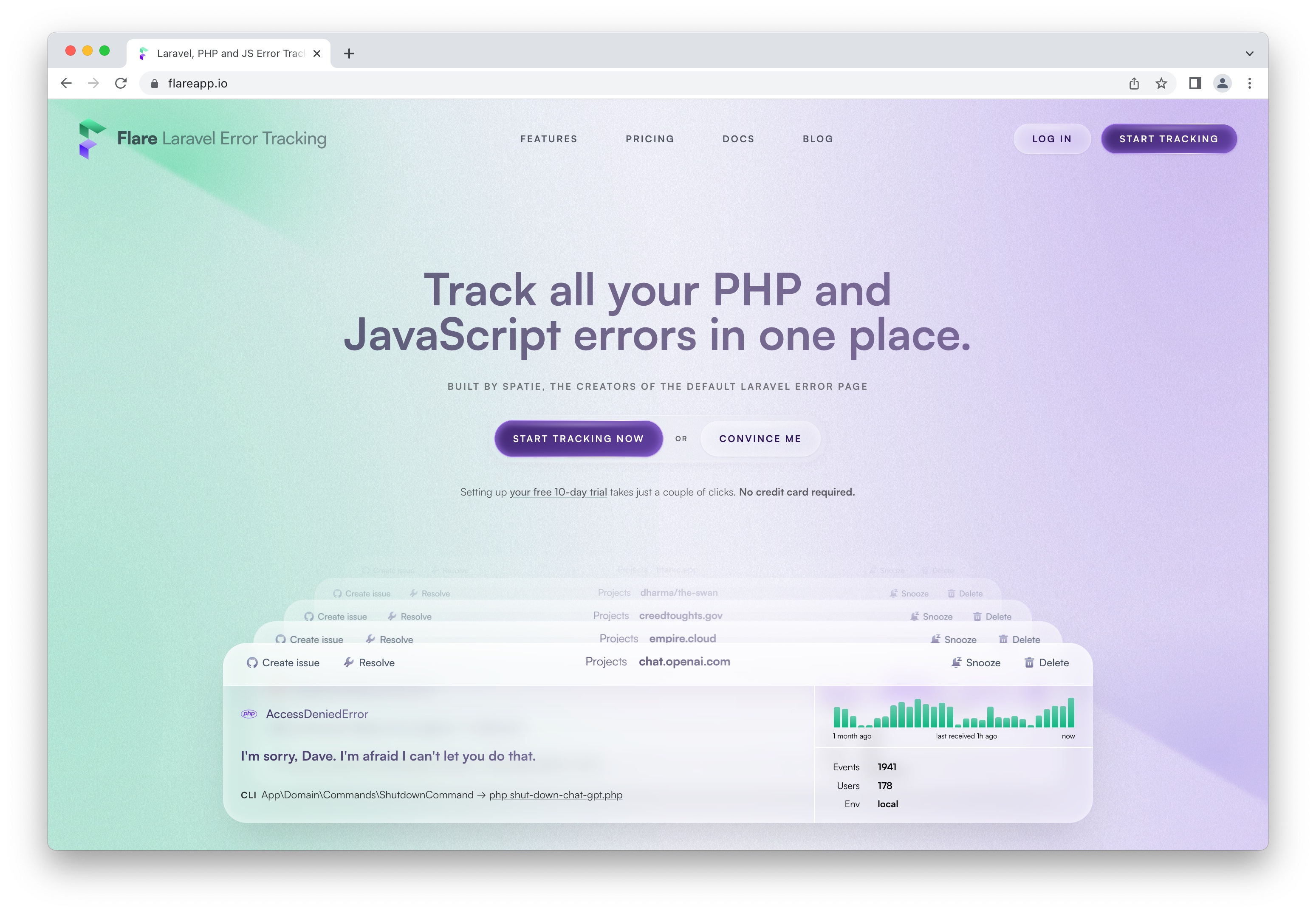
Last week, we launched a redesigned for Flare, our Laravel error tracker.
I contributed to the app UI, but most of the work was done by Digital With You, who provided us with the design, and the team that implemented it: Alex, Freek, Rias, Ruben, and Sam.
If you’re going to read one thing today, make it this. So much good stuff in here I could quote just any paragraph.
complexity is spirit demon that enter codebase through well-meaning but ultimately very clubbable non grug-brain developers and project managers who not fear complexity spirit demon or even know about sometime […]
grug no able see complexity demon, but grug sense presence in code base
Rich Harris & the rest of the Svelte team have previously mentioned that they use TypeScript with JSDoc instead of .ts files. That gives TypeScript’s safety benefits during development and on CI, without an additional build step.
There are a few nuances to this, Pascal Schilp did a great job reviewing the background and benefits behind this decision.
When you define too much work up front, you add unnecessary management overhead. More importantly, you create a bias and stifle a team’s creativity to solve the problem.
No one defines all the work up front. That’s a fools errand. Assuming you know too much up front is the best way to find out you’re wrong in the end. Instead we define the direction, the purpose, the reason, and a few specific “must haves” up front. The rest — all the rest, which is mostly everything — is determined during the project, by the people on the project.